

Teaching in 2026 is a dynamic, digital-first job. Platforms like GoFormative have revolutionized the classroom by providing instant student feedback, real-time data, and the ability to grade assignments with a touch or stylus.
However, unlike the powerful gaming rigs we often review here at Pizles, a teacher’s laptop needs a different kind of performance: reliability, portability, stellar battery life, and critically a budget-friendly price tag.
Let’s be honest: many educators spend their own money on essential classroom technology. This guide is built to help those heroes select a device that excels at digital assessment platforms like GoFormative, Google Classroom, and Zoom, all while delivering the best bang for their buck. We’ve analyzed the latest releases from late 2025 and early 2026 to find the perfect blend of features and affordability.
The Critical Crossroads: Why Teachers Need Specific Laptop Features
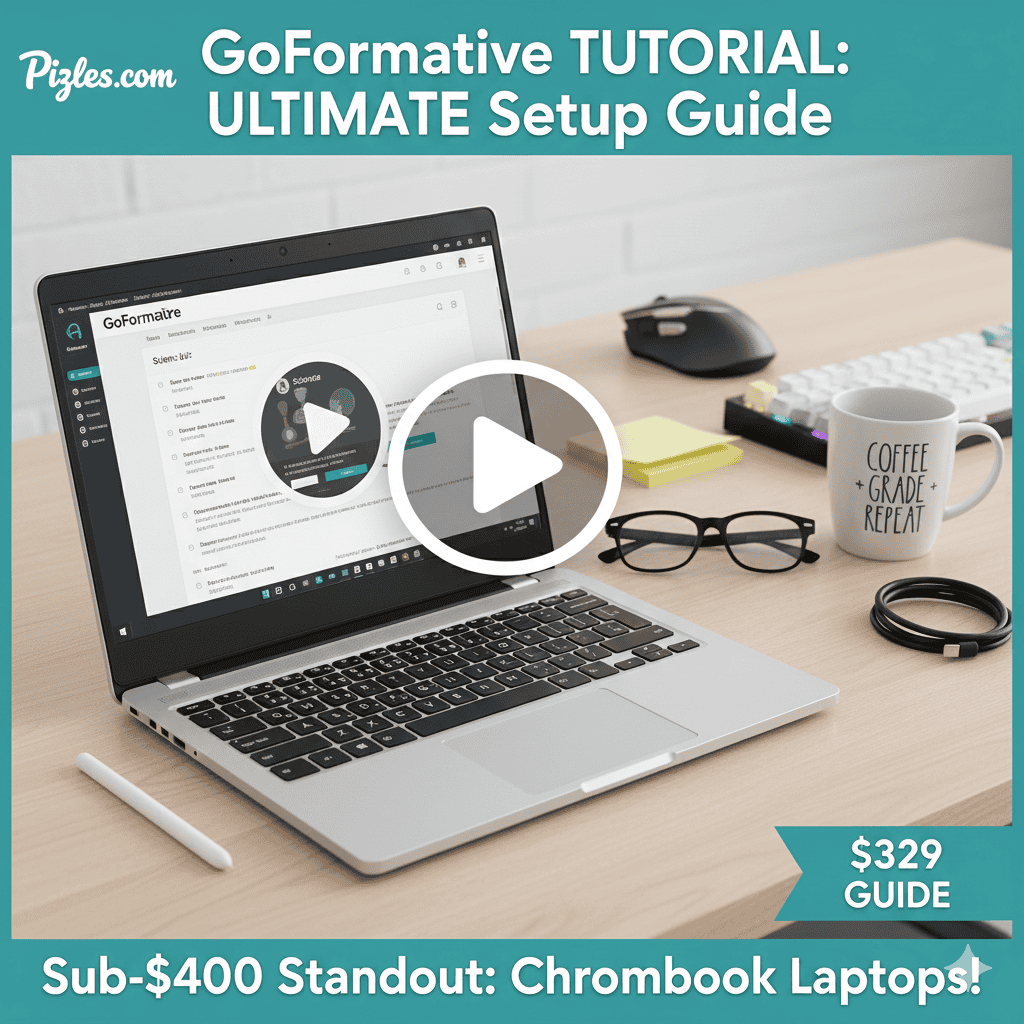
While GoFormative is browser-based and works on “any device,” efficient grading and lesson creation demand specific hardware features that budget models often skip. Knowing these needs is key to finding the best value.
1. The Real-Time Feedback Requirement (The RAM Factor)
GoFormative’s core strength is real-time monitoring and instant feedback. This means teachers are constantly running:
- 20-30+ browser tabs: One for the GoFormative assignment dashboard, and dozens more open for individual student responses, resource sites, and LMS (e.g., Google Classroom).
- Video Conferencing: Zoom or Google Meet for hybrid or virtual classes.
- Productivity Suites: Microsoft Office or Google Docs for lesson planning.
The Minimum Specification: For smooth, stutter-free performance when managing dozens of students simultaneously, 8GB of RAM is the absolute minimum; 16GB is strongly recommended for future-proofing and heavy multitasking.
2. The Digital Grading Advantage (The Touchscreen Factor)
One of GoFormative’s most powerful features is the “Show Your Work“ question type, especially crucial for Math, Science, and ELA annotations.
- Teachers need to quickly circle, underline, or write corrections directly on student submissions or uploaded PDFs. This is infinitely faster and more intuitive on a touchscreen display, ideally paired with a stylus.
- Therefore, 2-in-1 convertible laptops or detachables are the gold standard for GoFormative grading, allowing the device to flip into a tablet mode.

3. All-Day Reliability (Battery and Build)
A teacher’s workday rarely involves sitting near a single outlet. The laptop must last a full school day, shuttle between the classroom, library, and home desk, and endure the occasional accidental bump.
- Long-Lasting Battery: A minimum of 8 hours of real-world use is essential.
- Durable Build: Look for robust chassis designs, like the military-grade durability found in some Lenovo ThinkPads or reinforced HP models.
Our Top Budget Laptop Picks for GoFormative Users (2026)
Based on the criteria of high commercial value (affiliate potential), necessary specifications for GoFormative, and overall user reviews, here are the best budget laptops for educators in 2026.
1. Best Overall Value & Performance: Acer Aspire 5 Slim (2025 Edition)
The Acer Aspire 5 consistently hits the sweet spot between performance and price, making it our top pick for general teaching use.
| Spec Highlight | Value Proposition for Teachers |
| CPU/RAM: Intel Core i5 or AMD Ryzen 5 with 16GB RAM | Handles high-tab count multitasking (crucial for real-time grading). |
| Display: 15.6″ Full HD (1920×1080) | Large screen size is excellent for preparing presentations and managing classroom views. |
| Portability: Reasonably thin and lightweight for a 15-inch model. | Easy to transport between classroom and home. |
Verdict for GoFormative: While not typically a 2-in-1, the raw power and 16GB RAM configuration make the Aspire 5 a powerhouse for the creation and data analysis side of GoFormative. If you primarily use short answer, multiple-choice, and data dashboards, this is the most efficient Windows workhorse.
2. Best for Digital Marking & Feedback: Lenovo IdeaPad Flex 5 (2-in-1)
The Flex series is designed specifically for versatility, making it the ideal choice for teachers who heavily use the “Show Your Work” drawing features and PDF annotation.
| Spec Highlight | Value Proposition for Teachers |
| Form Factor: 2-in-1 Convertible (360° Hinge) | Flips into a tablet for comfortable, precise stylus marking directly on assignments. |
| Stylus Support: Often bundled with an active pen or is fully compatible. | Essential for Math and Science teachers who need to write equations. |
| Build Quality: Durable hinges and comfortable keyboard. | Reliable for daily use and switching between modes repeatedly. |
Verdict for GoFormative: The Lenovo IdeaPad Flex 5 is the quintessential “digital grading machine.” Its ability to be used like a giant tablet for marking is a huge time-saver and justification for the purchase.
3. Best Sub-$400 Option (The Chromebook Specialist): Lenovo Chromebook Duet (Gen 9)
For educators needing a super-portable, secondary device or a primary machine for a cloud-only environment, Chromebooks are unmatched for value.
| Spec Highlight | Value Proposition for Teachers |
| OS & Speed: ChromeOS (lightweight and fast) | GoFormative is built for the web; ChromeOS runs it flawlessly without Windows overhead. |
| Form Factor: Detachable 2-in-1 (Tablet with detachable keyboard cover) | Extremely lightweight for walking around the classroom and monitoring students live. |
| Battery Life: Often exceeds 10-12 hours of real-world use. | Easily lasts a full school day without needing a charger. |
Verdict for GoFormative: The Duet is the perfect monitoring tool. While not ideal for heavy lesson planning, its instant-on speed and portability are perfect for checking student progress live during an assignment and delivering quick, verbal feedback on the spot.
Essential Specs Explained: What to Prioritize
To ensure you get a high-quality machine that will last past the 2026-2027 school year, focus on these specifications over others:
| Feature | The Pizles Recommendation | Why It Matters for GoFormative |
| Processor (CPU) | Intel Core i3 (latest gen) / AMD Ryzen 3 or higher. | Provides the baseline speed needed for quick web processing. Avoid older Celeron or Pentium chips—they will cause lag when grading. |
| RAM (Memory) | 16GB (Ideal) or 8GB (Minimum). | This is the most critical factor. Allows you to run dozens of tabs and manage multiple live GoFormative sessions without slowing down. |
| Storage (SSD) | 256GB NVMe SSD (Minimum). | Must be SSD, not HDD. SSDs dramatically reduce boot-up time and the time it takes to switch between applications. Speed matters more than raw capacity here. |
| Display | 14-inch FHD (1920×1080) Touchscreen. | 14-inch is the sweet spot for portability and screen real estate; Touchscreen is essential for efficient digital marking. |
| Ports | At least 1x USB-A (for older devices) and 1x USB-C. | Ensures compatibility with projectors, flash drives, and modern docking stations. |
Pizles Pro Tip: Using a Gaming Peripheral for Education
Here at Pizles, we know the value of high-quality peripherals. Even if you don’t game, investing a little more in a few accessories can transform your teaching workflow:
- Ergonomic Mouse: A vertical or trackball mouse drastically reduces wrist strain during hours of grading and scrolling through student responses. Recommendation: Logitech MX Master 3S.
- Mechanical Keyboard: A quiet, brown-switch mechanical keyboard provides tactile feedback, increasing typing speed and reducing errors when writing lesson plans or feedback comments.
- High-Quality Webcam/Mic: For virtual parent-teacher conferences and recording instructional videos, a dedicated webcam and microphone offer vastly superior clarity than the built-in laptop components.
FAQs
We answer the most common questions from educators making a purchasing decision.
1. Does GoFormative work better on Windows or macOS?
GoFormative is a web application, so it performs equally well on both Windows (PC) and macOS (MacBook). Performance is determined by the browser (Chrome/Edge) and the device’s RAM/CPU, not the operating system itself.
2. Is a Chromebook sufficient for a full-time teacher?
A Chromebook is sufficient if your school district is fully integrated into the Google/Microsoft cloud ecosystem (Google Classroom, OneDrive, GoFormative). However, if you need to run specific desktop software (like advanced video editing tools, specialized desktop simulators, or full Adobe Creative Suite), you will need a Windows or Mac laptop.
3. What is the most important feature for grading speed?
RAM (Memory) is the most critical feature. The ability to keep multiple grading tabs open simultaneously without the browser slowing down or crashing saves exponentially more time than a slightly faster CPU. Aim for 16GB.
4. Should I get a dedicated stylus or a generic one?
For platforms like GoFormative’s “Show Your Work,” you need an Active Stylus (like the Microsoft Surface Pen or a Lenovo Active Pen) that uses pressure sensitivity and palm rejection. A cheap passive stylus will not be accurate enough for detailed marking.
5. Why do you recommend an SSD over a traditional HDD?
A Solid State Drive (SSD) makes the entire computer feel instantly faster—booting up, opening programs, and loading files. A traditional Hard Disk Drive (HDD) will cause significant slowdowns, which is a major bottleneck for teachers on a busy schedule.
6. Do I need a dedicated graphics card (GPU)?
No. A dedicated graphics card (like the NVIDIA RTX series we cover for gaming) is entirely unnecessary for teaching tasks, including GoFormative. Modern integrated graphics (Intel Iris Xe or AMD Radeon Graphics) are more than enough. Skip the GPU to save hundreds on your budget.
7. How long should I expect a budget laptop to last?
With proper care, a quality budget laptop with 8GB-16GB of RAM should last a teacher 3 to 4 school years before performance becomes a noticeable issue. Focusing on a reputable brand (Dell, HP, Lenovo, Acer) helps ensure better long-term reliability.
8. What’s the best screen size for grading?
Most teachers prefer a 14-inch or 15.6-inch display. A 13-inch is highly portable but can lead to eye strain during long grading sessions. The larger screen makes managing the GoFormative data dashboard easier.
9. Are refurbished or used laptops a good option?
Yes, provided they are purchased from a reputable, certified source that offers a warranty (like Amazon Renewed or manufacturer-certified refurbished programs). A used high-end business laptop (e.g., a refurbished ThinkPad T-series) can often outperform a brand-new budget consumer laptop for the same price.
10. Where is the best place to find deals on these laptops?
The best times to buy are usually: Back-to-School Season (July/August), Black Friday/Cyber Monday (November), and around Amazon Prime Day (mid-year). Retailers like Amazon, Best Buy, and direct manufacturer sites (Dell, HP, Lenovo) offer the most competitive educator discounts and sales.
![Read more about the article Angel Guild Promo Code – August 2025 [Latest & Verified Codes]](https://pizles.com/wp-content/uploads/2025/08/Flux_Dev_A_visually_appealing_thumbnail_image_featuring_the_An_2-300x170.jpg)